


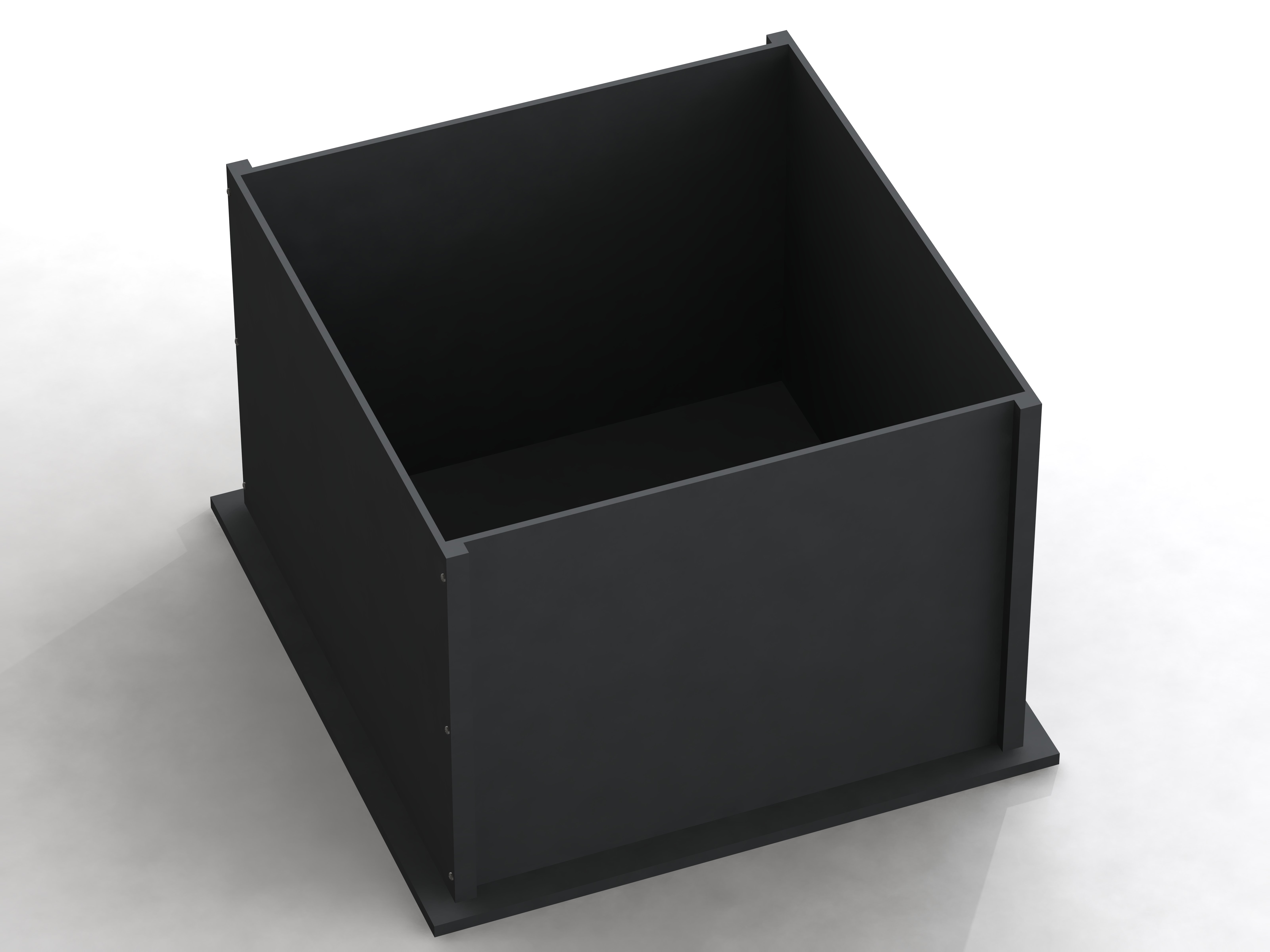
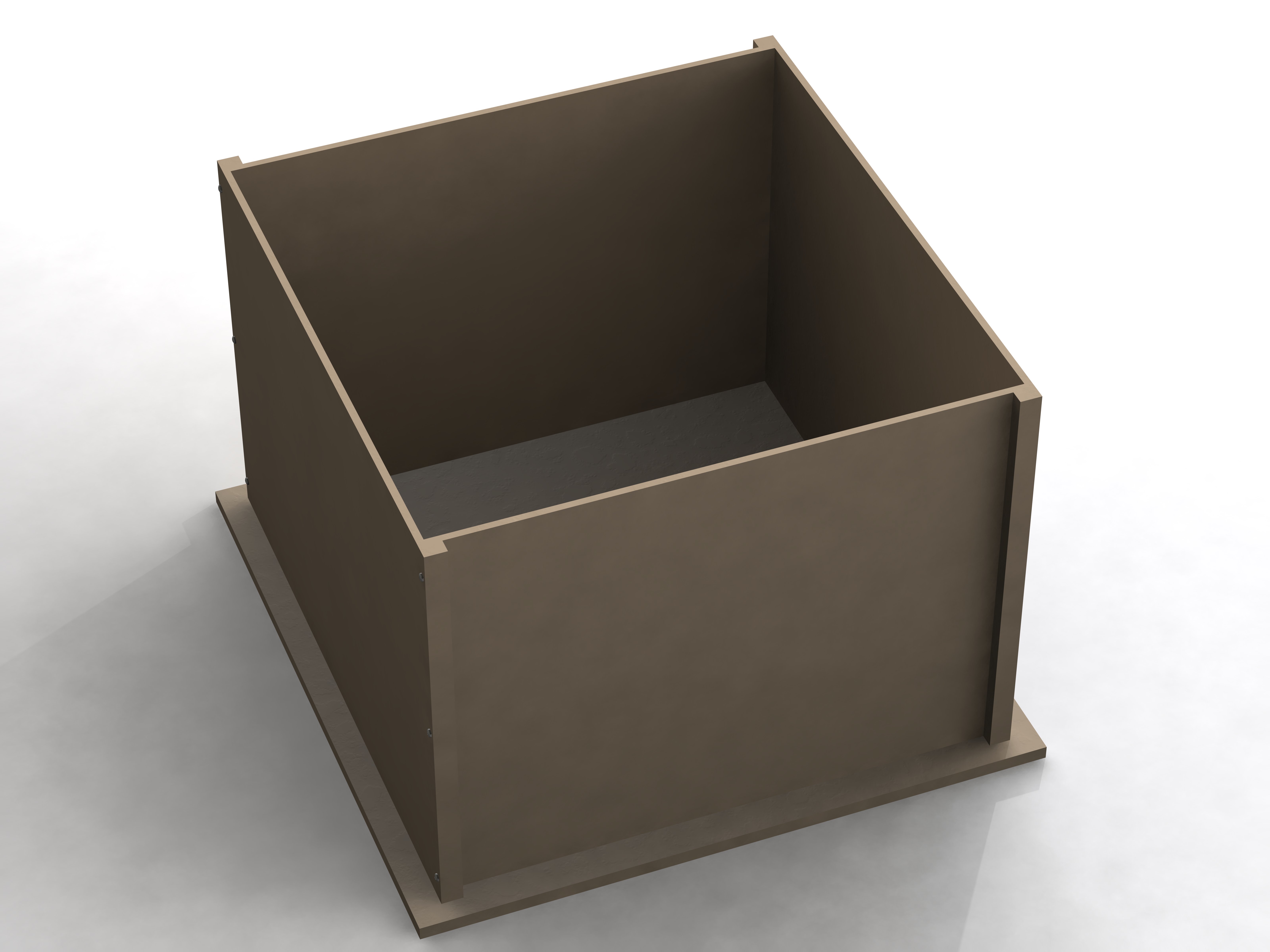
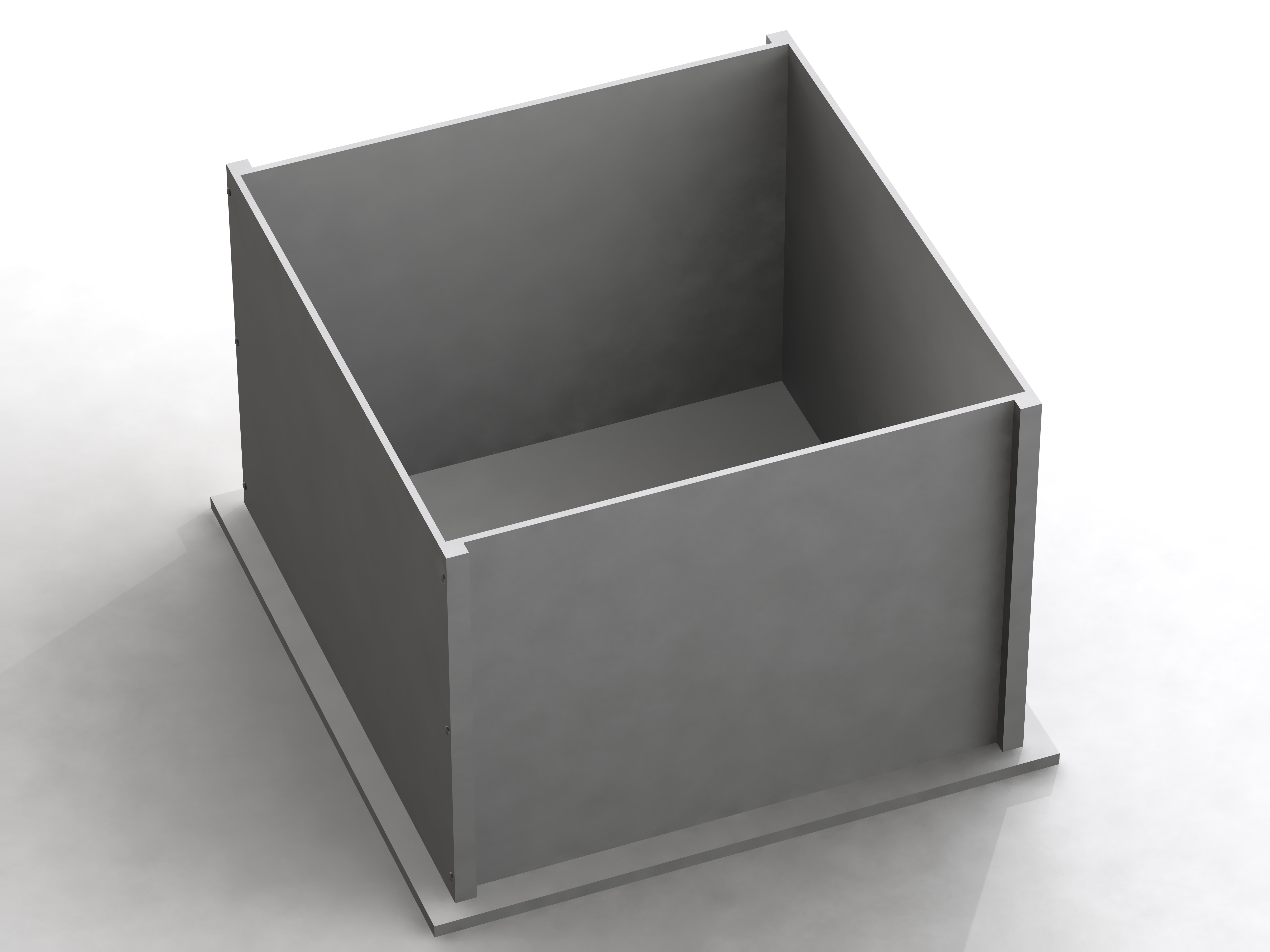
If you are looking to monitor locomotor activity with flexibility, reliability and accuracy, this is the open field test you need. SDI’s easy to use menu-driven software will have you monitoring exploratory behavior in less than one hour. Unlike competing open field systems that give you no option but to analyze pre-set data summaries, you may choose to view your data in any form—from raw results including every beam break to summaries for quicker analysis.
Get the most accurate qualitative analysis of mouse or rat open field activity with Photobeam Activity System (PAS)-Open Field. Your locomotor activity tests will be reliable and accurate with ready format data in a statistics package.
PAS-Open Field stations use a 16 x 16 photobeam configuration that offers the option to utilize a rearing frame and/or floor pokes. To accommodate subjects of different sizes, you will be able to position frame height anywhere on the posts.
In addition, the PAS software used for the open field test accurately records all beam interruptions, central peripheral activity, ambulation movements, fine movements, rearing, pokes and time stamped (x,y) positions—giving you the ability to perform analysis at any level of detail needed. It will also store your data in a single file in a Microsoft Access database, providing exceptionally easy export and analysis.
In addition, unlike competitors, all beam breaks are reported in real time so no special calibrators are required.
The PAS software gives you more flexibility and accuracy than ever. Not only is all of your data saved in one, easily accessed file—but you can define your complete study in advance by pre-assigning animals to specific stations for each session, and then assigning a predefined protocol to every test session.
The software will automatically record your session data and keep it all together in the study’s single file. When you are ready, display your data right on your computer monitor or choose to export it with one click to Microsoft® Excel or to a delimited file type(TAB, CSV, etc.). Other software features include:
Make sure you collect the most accurate open field test data possible by defining each of your planned test sessions. You will be able to plan session parameters, set subject identifiers, assign subjects to specific test stations, and specify subject parameters such as dose level. To keep from losing any critical data, it will all be stored in a single file format.
Defining your study in advance not only saves you time by automating sessions, but eliminates run time decisions and data entry that can cause mistakes. You’ll also ensure your results are tightly coupled to your predefined subject identifiers. Simply follow the PAS software instructions to execute the test session.
Assure the accuracy of your operation with a real time display of beam breaks—which gives you a visual representation of the animal’s activity patterns. Other systems rely on blinking lights on the frames to give you a status but this does not give you a visual indicator of the activity pattern or open field behavior.
Beam breaks are automatically categorized as "ambulations,” "fine movements," or “rearing” and are based on distance moved, not duration of time, further ensuring accuracy in your results.
The PAS software makes table formatted results available for direct export to Microsoft® Excel or to a delimited file type(TAB, CSV, etc.) and automatically identifies data by column headers. Since the data is exported from a single file, you won’t lose critical information and you’ll save time by removing the need to aggregate multiple single files and possibly reformat them again.
Design as many zone maps as you need using a simple software application or by using a coordinate file directly, and store them for later usage. Plus—use any of your zone maps to reanalyze data files at any time.
PAS-Open Field’s framed height adjustment allows you to study subjects of different sizes by simply positioning the frames on the posts where needed.
Replay the actual animal track using the Pathview Utility, and choose whether you want to replay everything at once or at another speed.
After you’ve run your test, use The PAS Reporter to analyze the data. You’ll be able to easily analyze distance traveled, speed, resting time, zone entries and time in zone data. The PAS Reporter allows you to change parameters and rerun an analysis of the same data with the new parameters. There is no need to rerun the test with the actual animal in order to employ the new parameters.
The PAS Software displays all beam breaks in real time as the test runs. You can monitor this display and assure yourself that the test is running correctly. Some systems do not display the beam break data in real time thus leaving you guessing if the system is running correctly.
The use of the 16 x 16 photobeam array assure that no animal activity is missed. Beam spacing is one inch assuring that the smallest subjects are recorded.
The PAS Software can be setup to monitor tethered subjects when a Rearing Frame is employed. The software monitors beam breaks in a specific way in order to not record Rearing beam breaks made by the tether. This unique feature allows you to test animals that may not have been testable in other systems.
The acrylic walls of your PAS-Open Field test stations lift off free and clear, making clean up easy.
PAS-Open Field uses standard Ethernet cables, color-coded Yellow and Blue, along with color-coded frame and contact box connections, so you can avoid confusion when connecting your PAS equipment.
Note: It is possible to add one more PAS Distribution Box to double the number of configurable stations.
A: Go to the Windows Device Manager Screen and check to see if the Acces I/O card is listed there. If not, reboot or reinstall the Acces drivers.
A: 24 hours. Multiple sessions of up to 24 hours each can be stored in a single experiment database.
A: Cage Rack Photobeam is a general activity system that measures activity on only one axis. The Cage Rack Flex-Field is for more detailed activity testing. The system measures activity in two axes and provides data that can be used to create a track of the activity and provide time and distance data. Zone maps can be applied to the data for varying analysis.
A: Yes, with additional capabilities to support other types of experimental paradigms.
A: It depends on the frame type used but at least 32. Please refer to product data sheets for specific details.
A: The Microsoft Windows operating system must be either the Windows 2000 or Windows XP version. Make sure that the ACESS I/O card has been installed in the new computer, the driver has been re-installed and the correct board type has been selected during the installation process. Make sure you install the driver before you install PAS. Check to be sure that Windows recognizes the new board by using the Device Manager to check for a Data Acquisition entry. If the board is not present, de-install and re-install it. You must have the correct driver version. WIN 2000 and XP require at least ACCES I/O Driver Version 5.x. Earlier versions will not work. The latest drivers can be downloaded from Acces I/O. Reboot your computer between the driver install and the PAS install. Reboot after the PAS install.